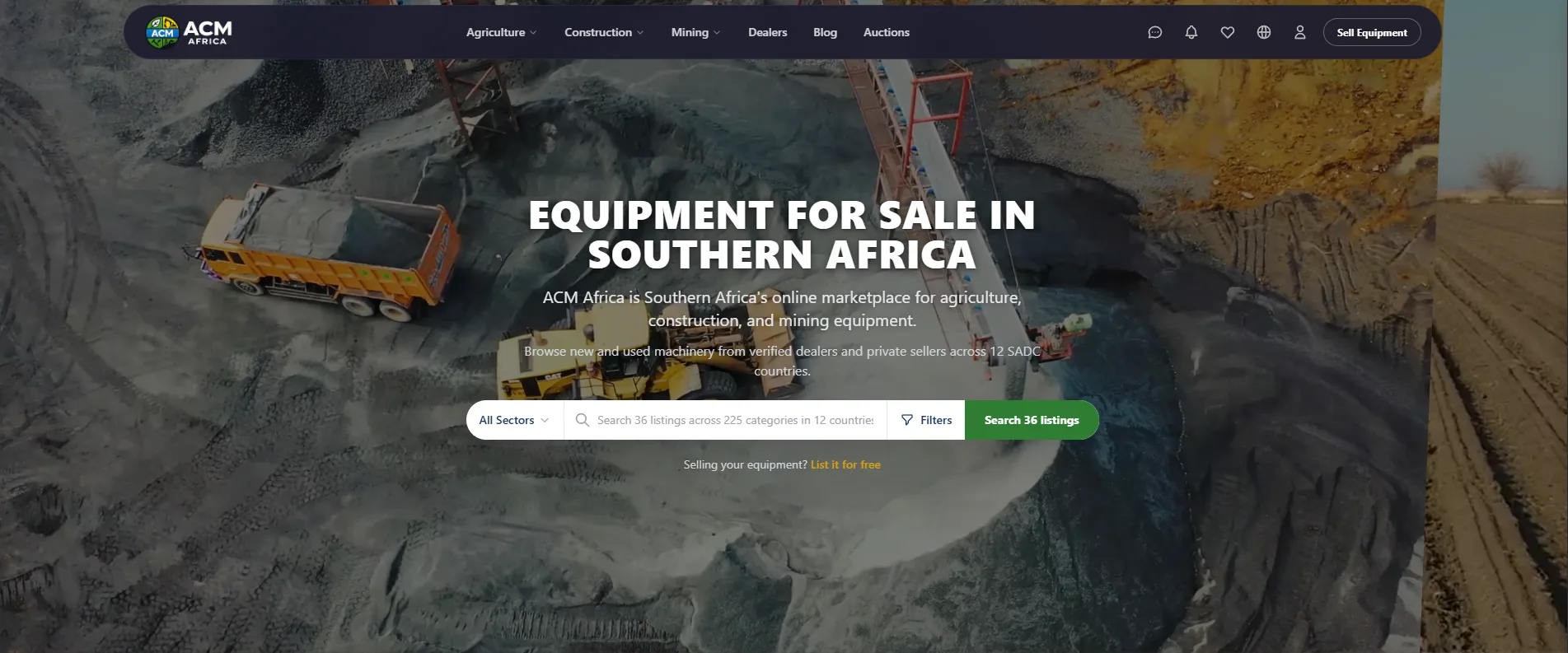
Listing your equipment on ACM Africa takes about five minutes from registration to published listing. You need an email address, 3-10 photos of your machine, and the basic details (make, model, year, asking price). There's no credit card required, no listing fees for your first 3 machines, and no commission on sales. This guide walks through every step with screenshots.
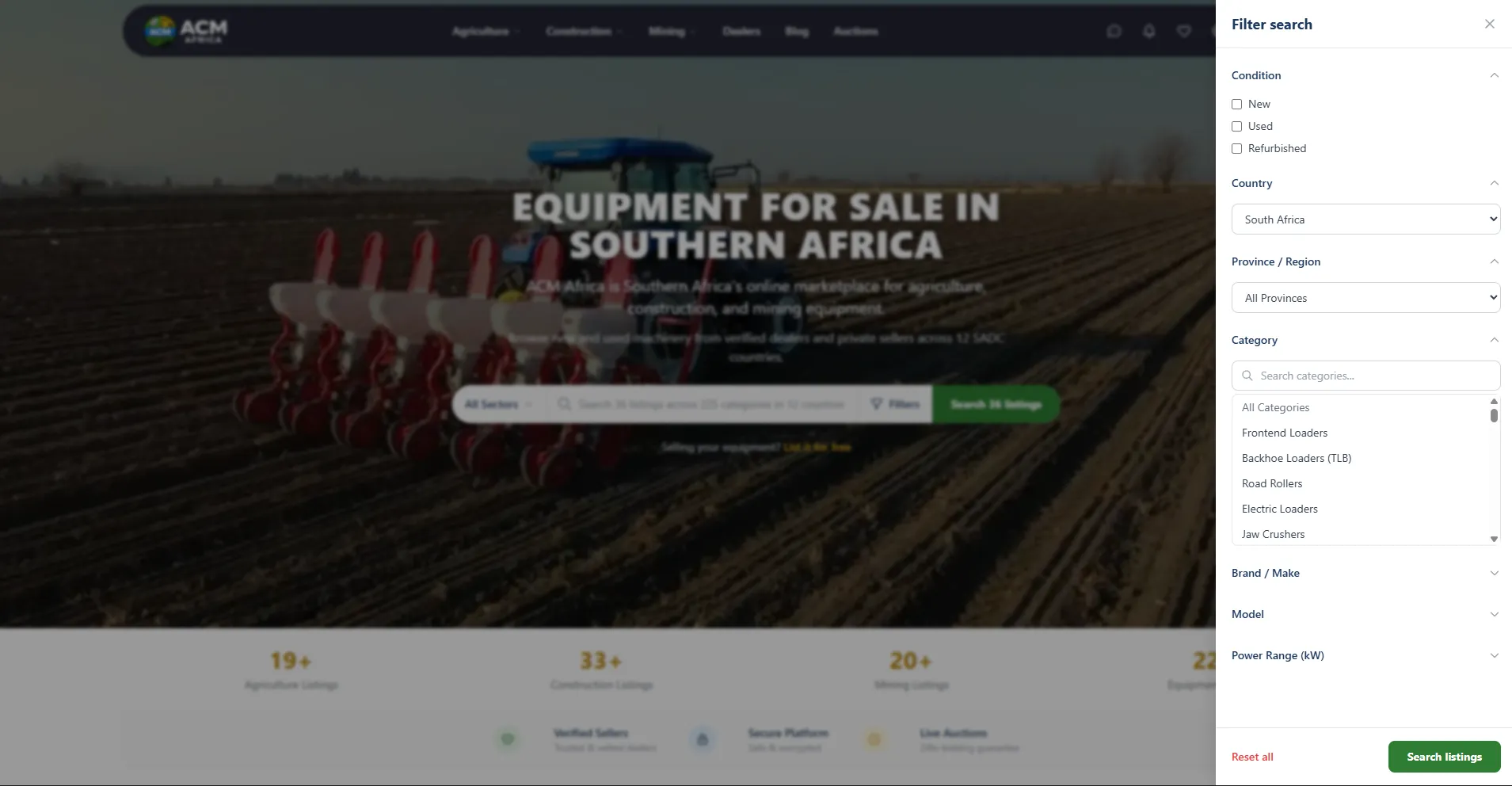
Before You Start: What You Need to List Equipment on ACM Africa
Save yourself the back-and-forth by having these items ready before you start.
- 3-10 clear photos of your equipment, from different angles. At least one should show the full machine.
- Make, model, and year of manufacture.
- Hours or mileage for used equipment.
- Your asking price in local currency, or a note to "contact for price."
- Location — the city or town where buyers can inspect the machine.
- WhatsApp number — this is how most buyers will contact you.
You do not need ownership documents uploaded to ACM Africa. Those stay between you and the buyer. You also do not need to provide a full service history for the listing, but including one in the description boosts trust and enquiry rates.
Step 1: How Do You Create an Account on ACM Africa?
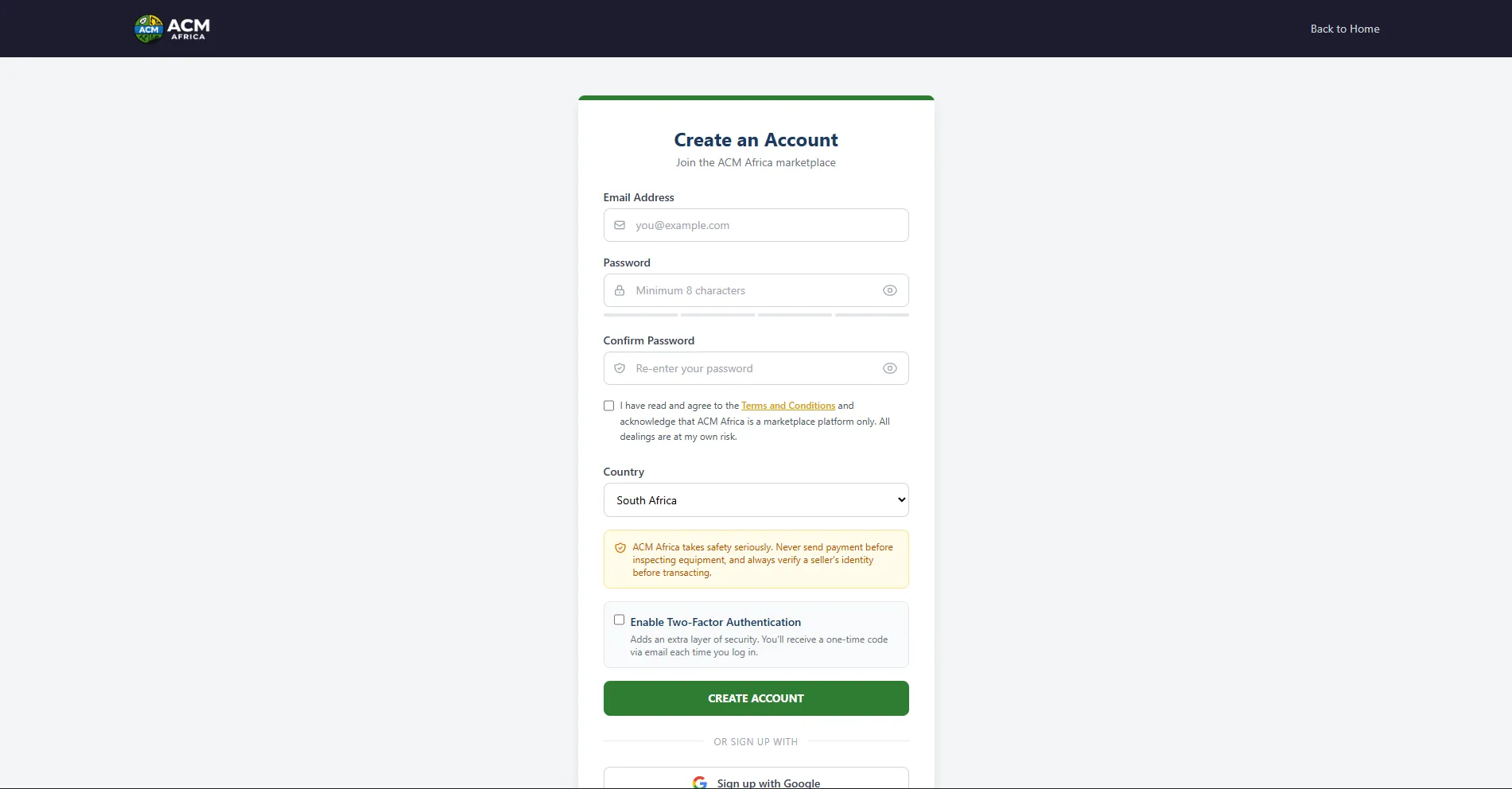
To create an account on ACM Africa, visit acmafrica.com/register and enter your name, email address, and a password. That is all you need — no credit card, no phone verification, no identity checks. The whole form takes under a minute to complete.
Should You Register as a Dealer?
The registration form has a "Register as Dealer" checkbox. Tick this only if you regularly sell equipment and plan to subscribe to a dealer tier. If you're a farmer selling one tractor or a contractor offloading a used TLB, leave it unchecked and register as a private seller.
You can always upgrade to a dealer account later from your dashboard if your needs change.
What Happens After You Register?
Once you submit the form, you're logged in automatically and redirected to your dashboard. You will not receive an email verification link at this stage — the account is active immediately. You can start listing equipment right away.
Step 2: How Do You Post a Listing on ACM Africa?
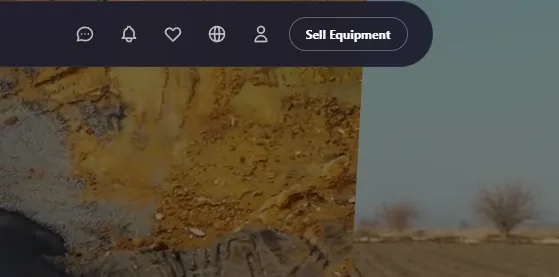
To post a listing, click the green "Sell Equipment" button in the top-right corner of any page, or go directly to acmafrica.com/listings/create. The listing form walks you through everything on a single page divided into five sections.
How Do You Choose the Right Category?
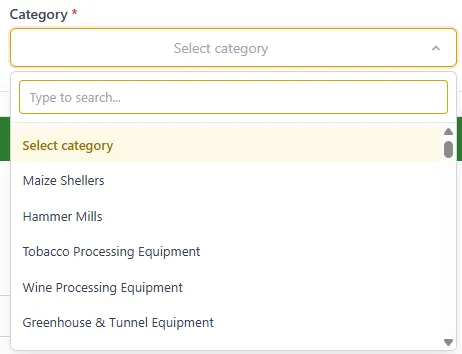
Start by selecting your equipment category from the dropdown at the top of the form. ACM Africa has over 225 categories across three sectors:
- Agriculture — tractors, harvesters, irrigation systems, balers, planters, ploughs.
- Construction — excavators, TLBs, frontend loaders, road rollers, cranes, dump trucks.
- Mining — crushers, screeners, drill rigs, underground equipment, haul trucks.
Type a keyword into the search box to filter categories fast. Searching for "tlb" instantly narrows the list to Backhoe Loaders (TLB). Choosing the most specific category matters — a buyer searching for frontend loaders won't find your machine if you listed it under "other."
Step 3: How Do You Upload Photos to Your Listing?
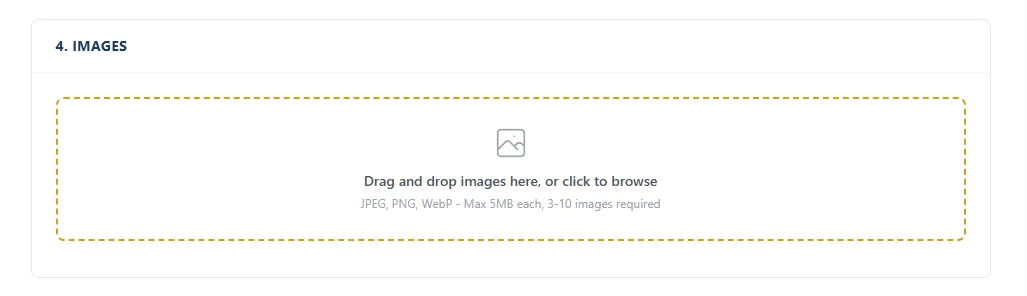
Upload at least 3 photos and up to 10 to your listing. ACM Africa accepts JPG, PNG, and WebP formats up to 15MB per image. Drag and drop them onto the upload area, or click to select files from your device. Photos are automatically resized and optimised.
Which Photo Should Be Your Primary Image?
The first photo you upload becomes the primary image automatically. This is the thumbnail buyers see on search results and listing cards — make it count. A clean side profile showing the full machine on a neutral background performs best.
You can drag photos to reorder them after uploading. To change the primary image, drag a different photo to the first position.
Photo Tips That Increase Enquiries
- Shoot in daylight — overcast days avoid harsh shadows.
- Clean the machine first. A quick wash makes a surprising difference.
- Include one wide shot of the full machine plus close-ups of the cab, engine bay, tyres, and any damage.
- Photograph the hour meter or dashboard if operational — this builds credibility.
- Be honest about wear and damage. Buyers discover it during inspection anyway.
"The listings that get the most enquiries have 6-8 photos showing every angle of the machine," says the ACM Africa team. "Buyers are making a serious purchase decision. Give them the visual information they need to drive out for a viewing."
Step 4: How Do You Fill In the Equipment Details?
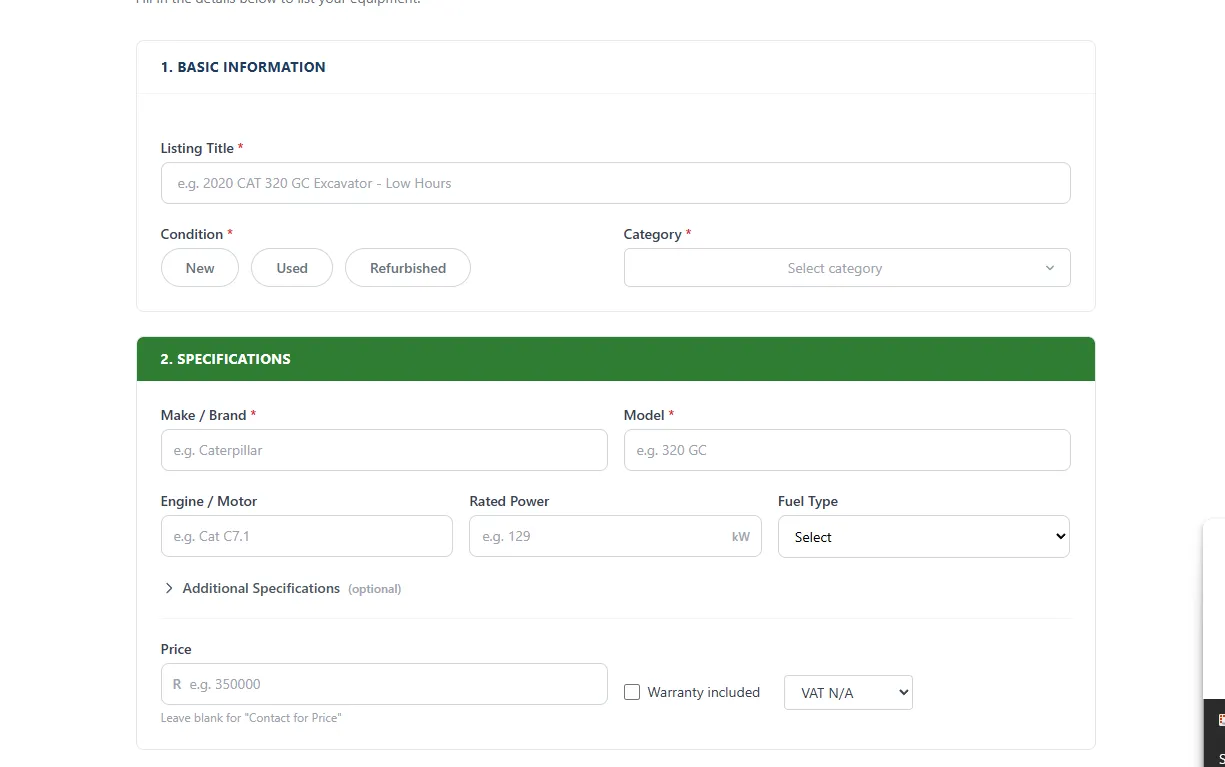
The Details section captures the information that drives search and filtering on ACM Africa. Be specific and accurate — vague listings get fewer enquiries.
What Goes in the Title Field?
Your listing title appears in search results and on listing cards. Lead with specifics: year, make, model, and one key selling point. For example:
- Good: "2021 CAT 320 GC Excavator — 3,200 Hours, Full Service History"
- Bad: "Excavator for sale"
Keep titles under 80 characters so they don't truncate on mobile.
What Price Should You Enter?
Enter your asking price in the Price field. The currency is automatically set based on your country — ZAR for South Africa, BWP for Botswana, NAD for Namibia, and so on across all 12 SADC currencies.
If you prefer not to show a price, tick "Hide price — contact for details." Your listing will show "Contact for price" instead. This approach gets more enquiries but fewer qualified ones.
Warranty and VAT Status
Two optional but valuable fields sit at the bottom of the Details section:
- Warranty checkbox — tick this if the machine carries any warranty (manufacturer, dealer, or extended). A green warranty badge appears on your listing, building buyer confidence.
- VAT status dropdown — select whether your price includes VAT, excludes VAT, or if VAT is not applicable. This matters for business buyers claiming input tax.
Step 5: How Do You Set the Location on Your Listing?
ACM Africa uses a map pin to set your listing's location. This lets buyers filter by proximity and calculate transport costs. Drop the pin on the map at the approximate location of your equipment — no need for exact GPS coordinates.
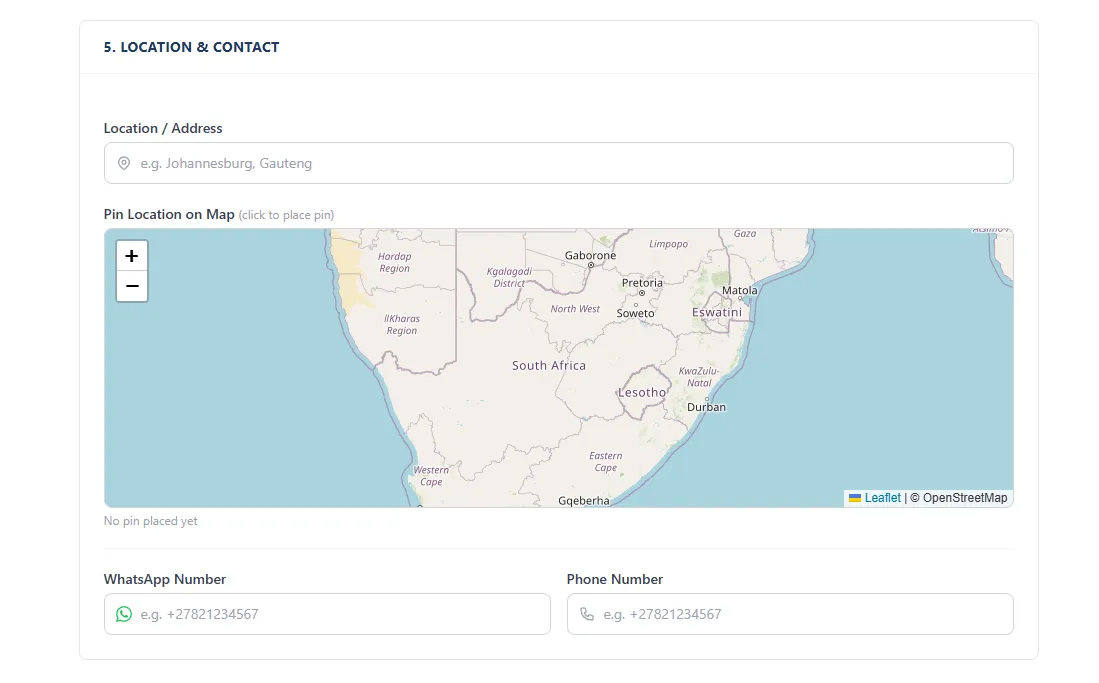
The system automatically detects your country and province from the pin, so you don't need to select them manually. The nearest address auto-fills in the Location field below the map.
What If Your Equipment Moves Around?
For dealers with multiple branches, the system supports multi-location listings. Each managed dealer profile can have its own pin. If you're a private seller, use the location where the machine is currently stored for inspection.
Step 6: Save as Draft or Publish — Which Should You Choose?
At the bottom of the listing form you'll see two buttons: Save as Draft (blue) and Publish Listing (green). Here's when to use each.

| Option | When to Use | What Happens |
|---|---|---|
| Save as Draft | You're waiting on photos, specifications, or confirming details | Listing saved privately, no public visibility, no 3-image minimum |
| Publish Listing | Your listing is complete and ready for buyers | Listing goes live immediately, visible in search and filters |
Drafts stay in your account indefinitely. Find them later under My Listings filtered by "Draft" status. You can come back, finish the details, and publish when you're ready.
To publish, you need at least 3 photos on the listing. The Save as Draft option has no minimum — useful if you want to upload photos later.
Step 7: How Do You Manage Your Listings After Publishing?
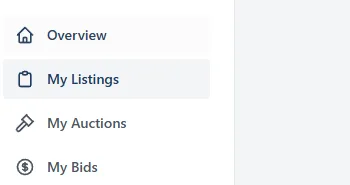
All your listings live under My Listings in your dashboard. Access it by clicking your profile icon in the top-right, then selecting "My Listings" from the dropdown — or go directly to acmafrica.com/dashboard/my-listings.
What Actions Can You Take on Your Listings?
From the My Listings page you can:
- Edit — update photos, price, description, or any other detail.
- Mark as Sold — removes the listing from search results and frees up a listing slot.
- Boost — promote your listing to the top of results from R10/day.
- Renew — free action available every 5 days; pushes your listing back to the top of search results.
- Delete — permanently removes the listing.
Listings automatically expire after 30 days. Relist with one click to start another 30-day cycle.
How Much Does Each Listing Tier Cost?
Pricing is transparent and there's no commission on any sale regardless of tier.
| Tier | Active Listings | Monthly Cost | Best For |
|---|---|---|---|
| Free | 6 | R0 | Private sellers, one-off machines |
| Dealer Basic | 15 | R599 | Small equipment dealers |
| Dealer Pro | 30 | R999 | Medium dealerships |
| Dealer Manager | Unlimited | R2,499 | Large dealers with multiple branches |
Industry estimates suggest that dealers with 10 or more active listings receive 4-5x more enquiries than those with 3-5 listings — volume drives visibility. If you're turning over stock regularly, a dealer subscription pays for itself within the first 2-3 sales.
Common Mistakes to Avoid When Listing Equipment
After reviewing thousands of listings on ACM Africa, certain patterns show up again and again. Avoid these and your listing will outperform 80% of what's already on the platform.
- Using only one photo. Listings with 6+ photos get significantly more enquiries than single-photo listings, based on ACM Africa platform data.
- Vague titles like "Excavator for sale." Always include year, make, model, and a specific detail in the title.
- Unrealistic pricing. Check comparable listings before setting your price. Overpriced listings sit; competitively priced ones sell.
- Generic descriptions. Write about the specific machine — its service history, any recent work, reason for selling. Buyers read descriptions carefully.
- Wrong category. A backhoe loader listed under "Other" won't appear in TLB filter searches, losing you serious buyers.
- No WhatsApp number. Based on ACM Africa platform data, over 70% of buyer enquiries happen via WhatsApp. Leaving this blank cuts your responses dramatically.
Frequently Asked Questions
Below are quick answers to the most common questions about listing equipment on ACM Africa.